Msg 1033 ORDER BY clause is invalid.
Applies to: Azure SQL Database. all Microsoft SQL Server versions.
Date created: September 22, 2026.
Problem Description.
While creating a view in an Azure SQL
database, I received error 1033. The view joined customer information with sales
orders, and I added an ORDER BY clause to display the most recent orders first:
CREATE VIEW SalesLT.vGetOrdersPerCustomer AS
SELECT c.CustomerID,
c.FirstName,
c.LastName,
soh.SalesOrderID,
soh.OrderDate,
soh.TotalDue
FROM SalesLT.Customer AS c
JOIN SalesLT.SalesOrderHeader AS soh
ON c.CustomerID = soh.CustomerID
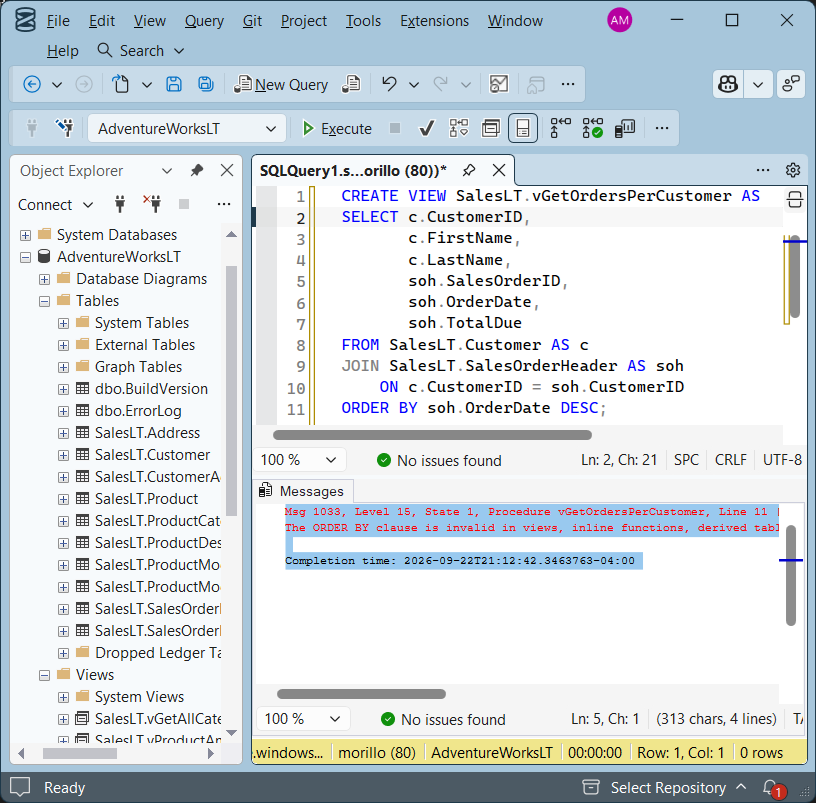
ORDER BY soh.OrderDate DESC;
The statement failed with the following
message:
Msg 1033, Level 15, State 1, Procedure
vGetOrdersPerCustomer, Line 11 [Batch Start Line 0] The ORDER BY clause is
invalid in views, inline functions, derived tables, subqueries, and common table
expressions, unless TOP, OFFSET or FOR XML is also specified.
Cause.
The statement includes an ORDER BY clause directly in the view definition
without a supporting clause such as TOP or OFFSET.
A view does not guarantee the order in which its rows are returned. Even when
ORDER BY is permitted inside a view, it does not guarantee sorted results when
the view is queried. To control the output order, specify ORDER BY in the query
that reads the view.
Solution.
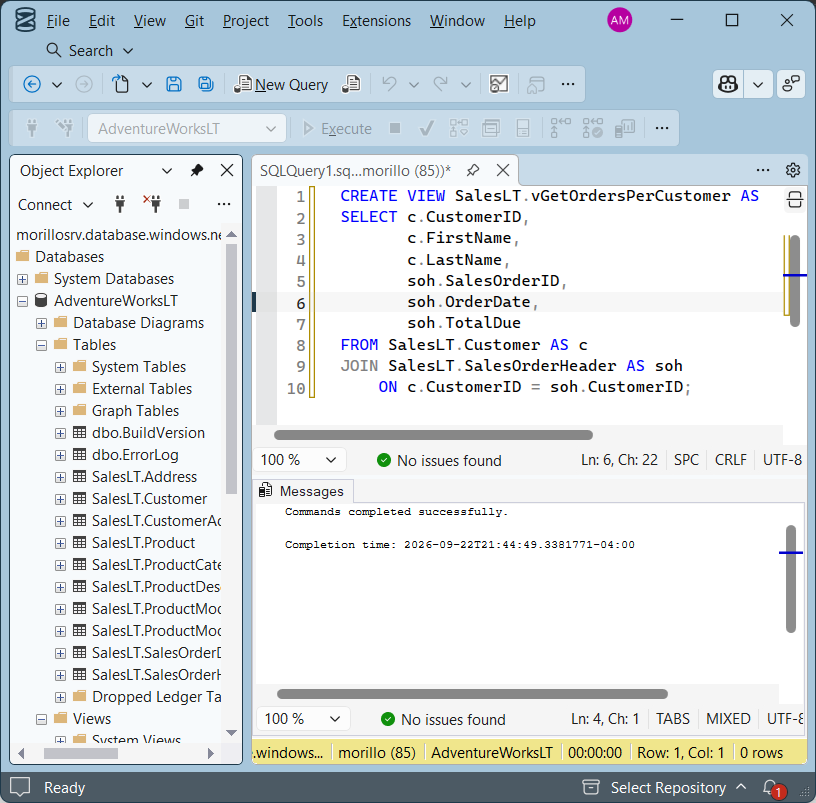
I resolved the issue by removing ORDER
BY from the view definition and applying it when querying the view.
First, create the view without the
ORDER BY clause:
CREATE VIEW SalesLT.vGetOrdersPerCustomer AS
SELECT c.CustomerID,
       c.FirstName,
       c.LastName,
       soh.SalesOrderID,
       soh.OrderDate,
       soh.TotalDue
FROM SalesLT.Customer AS c
JOIN SalesLT.SalesOrderHeader AS soh
    ON c.CustomerID = soh.CustomerID;
Then, run a separate query against the view and specify
the required sort order:
SELECT CustomerID,
       FirstName,
       LastName,
       OrderDate
FROM SalesLT.vGetOrdersPerCustomer
ORDER BY OrderDate DESC;
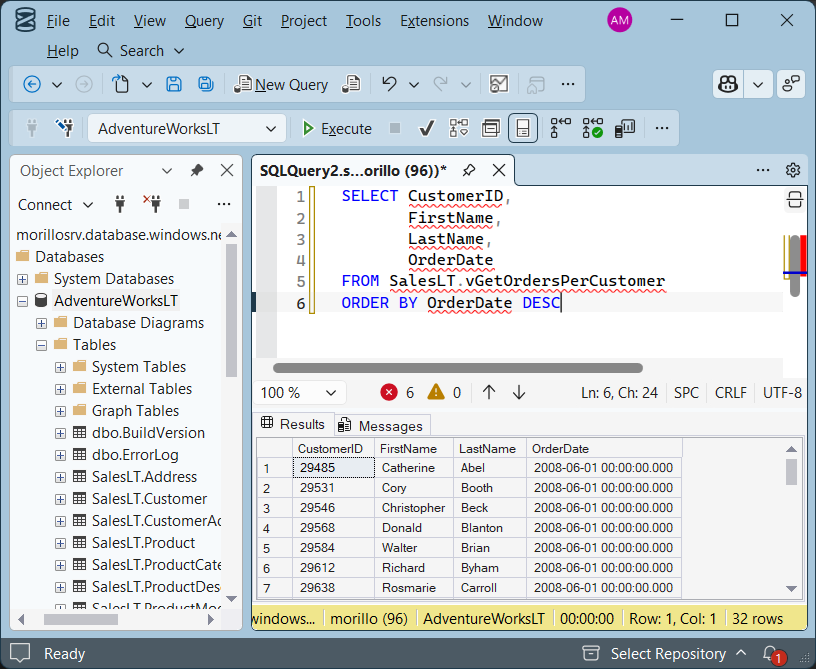
The view can now be created successfully. The query sorts the results by
OrderDate in descending order, placing the most recent
orders first. Keep the ORDER BY clause in any query that
requires this ordering.
| ![[Company Logo Image]](images/SQLCofee.jpg)