Deploy the Analysis Services Project
Applies to: SQL Server 2008 RC 0.
After completing the development of a cube, you need to build and deploy the
Analysis Services Project in Business Intelligence Development Studio that
contains the cube.
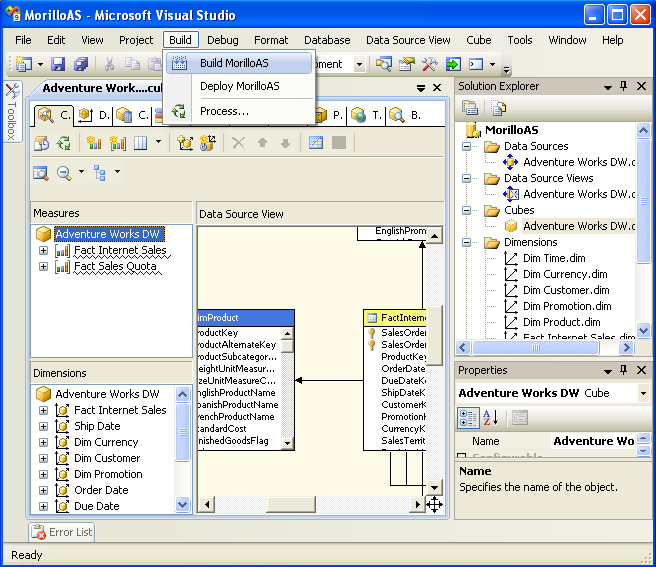
1. Select Build from Business Intelligence Development Studio menu to
build the solution.
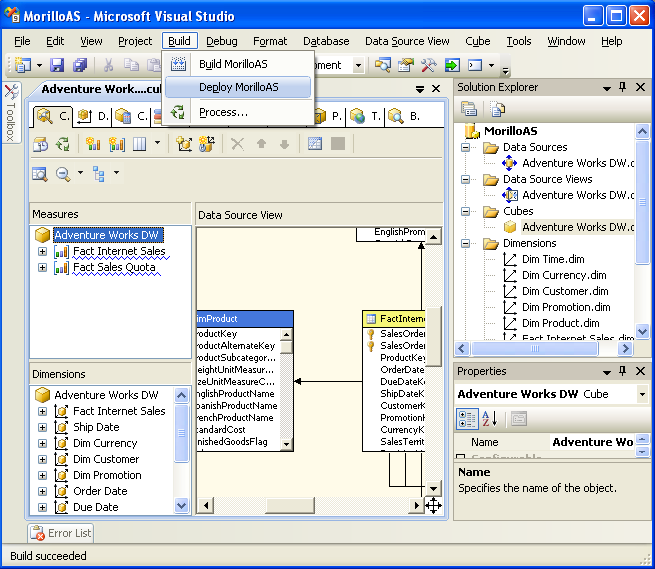
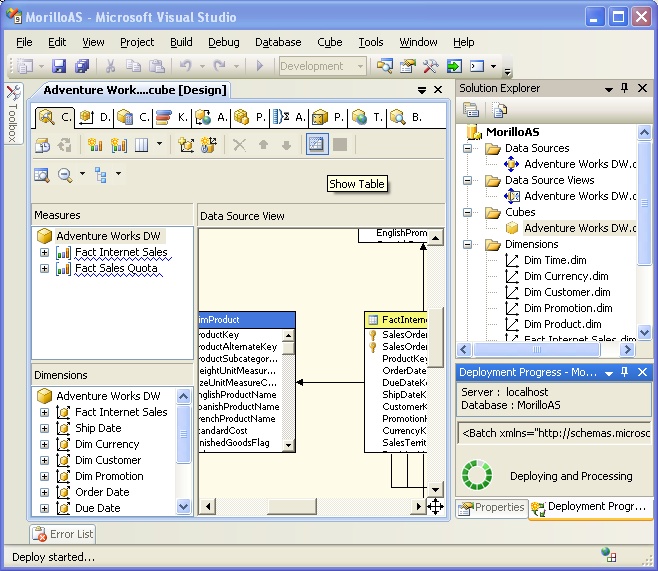
2. After the build succeeded, make a click again on the Build menu, and
then select Deploy to deploy the project.
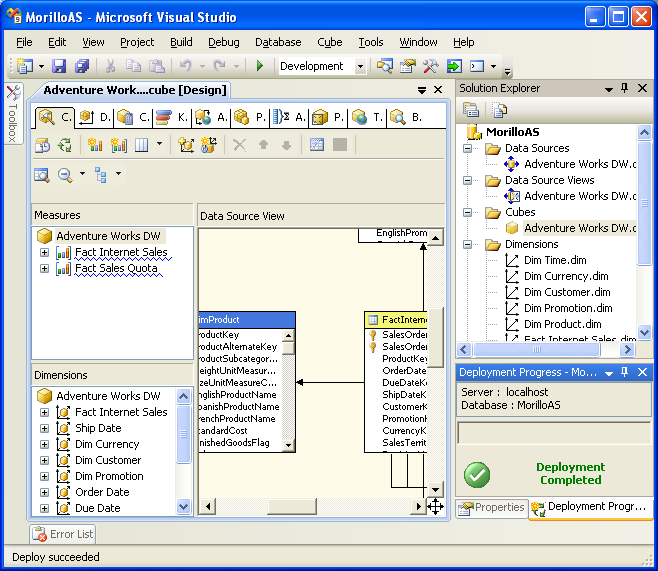
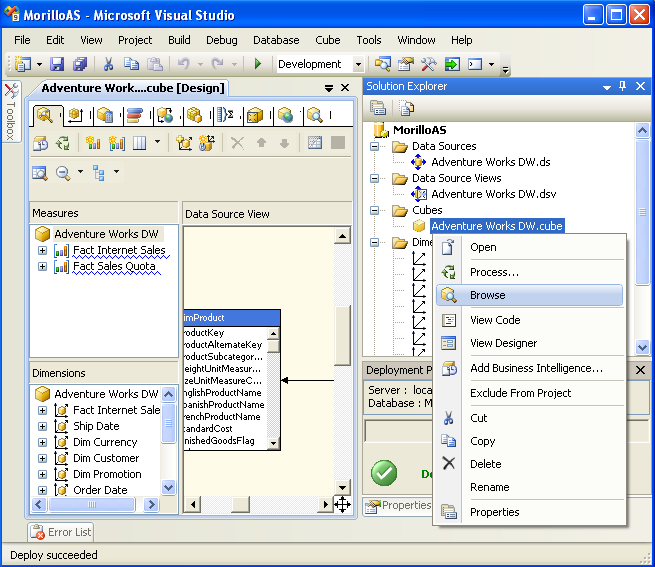
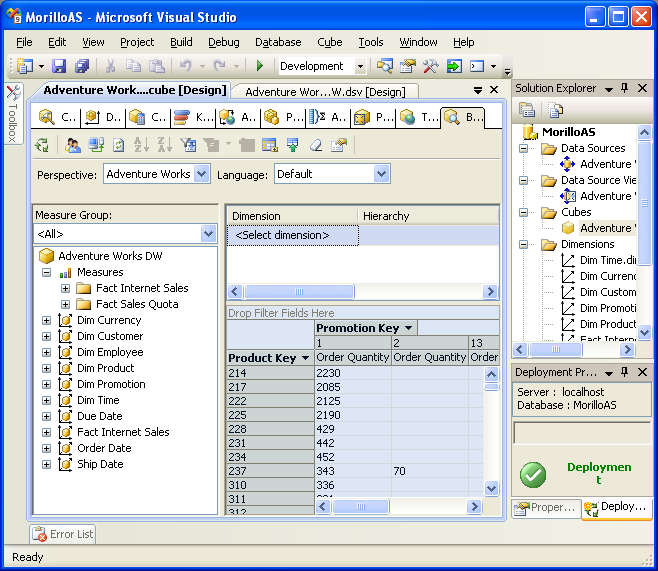
3. After you have deployed your cube, you can browse it. Expand the cube
folder on the Solution Explorer, make a right click on your cube, and then
select Browse from the context menu.
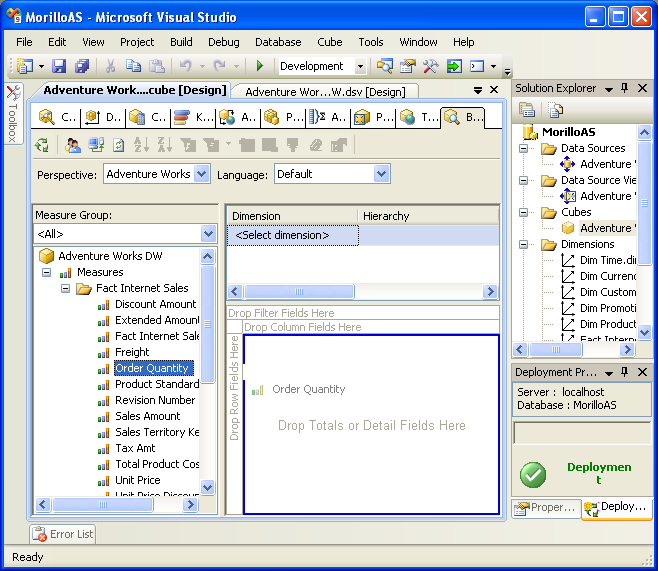
4. Drag and drop measures on the "Drop Totals or Detail Fields Here" area.
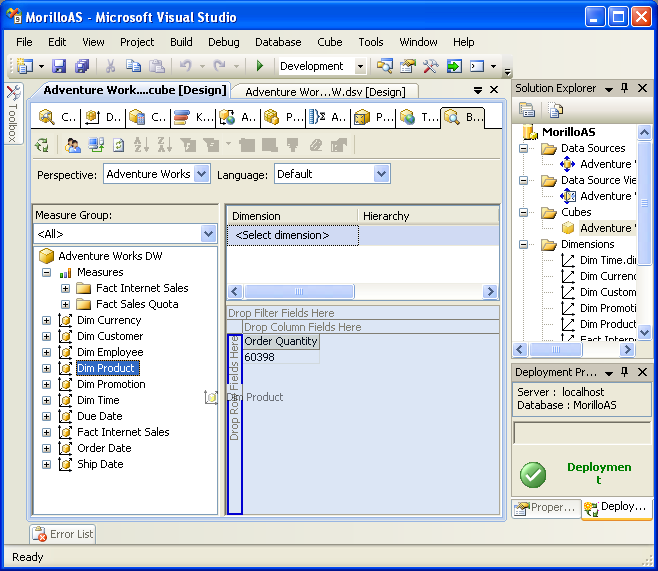
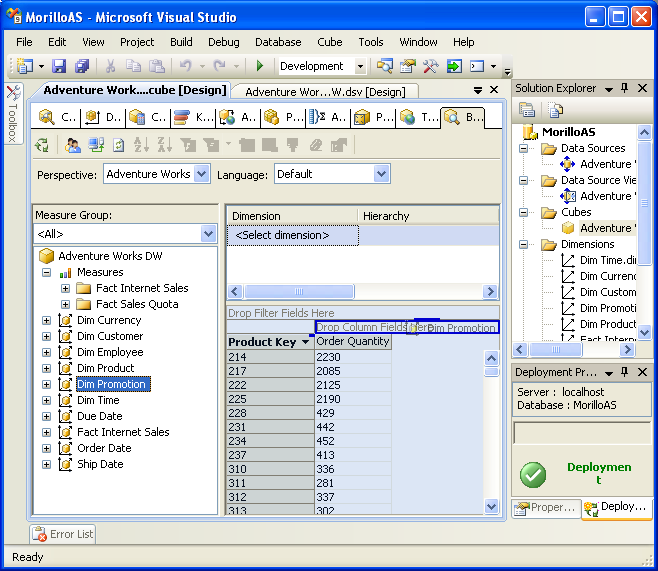
5. Drag and drop dimensions on the "Drop Row Fields Here" and "Drop Column
Fields Here" areas.
![[Company Logo Image]](images/SQLCofee.jpg)